모든 글 보기
2026년 7월 02일 읽는 데 걸리는 시간: 1 분

ED DMA SETUP GUIDE

ED DMA SETUP GUIDE

1. Install Visual C Runtimes.

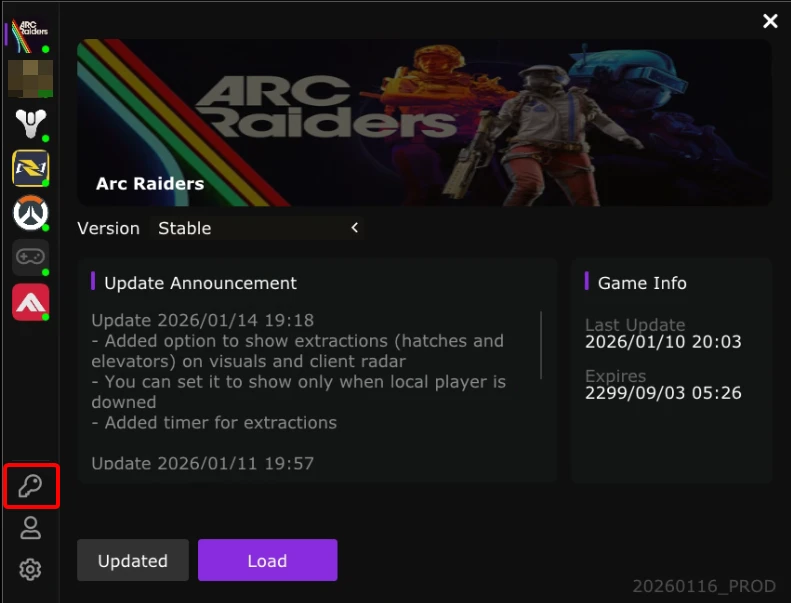
2. Download the loader with your key.


3. Create a folder on the Second PC and put eden.exe in it.


4. Run the loader and register an account if it is your first time.


5. Redeem your key after registering.

6. Select a cheat and load it.


7. Once a black screen appears, press DEL key to show the menu (from the second PC).

8. ENJOY!

The folder where the config is saved is located at the following path:


C:\EdenDMA\Configs



Forgot your password?


If you forget your password, please provide your username in a ticket.

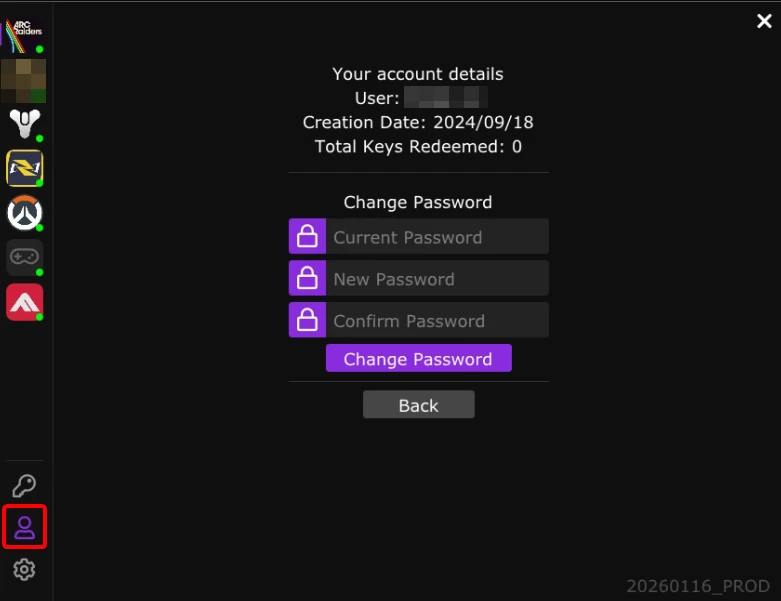
After a staff member resets your password, please change your password inside the loader.